
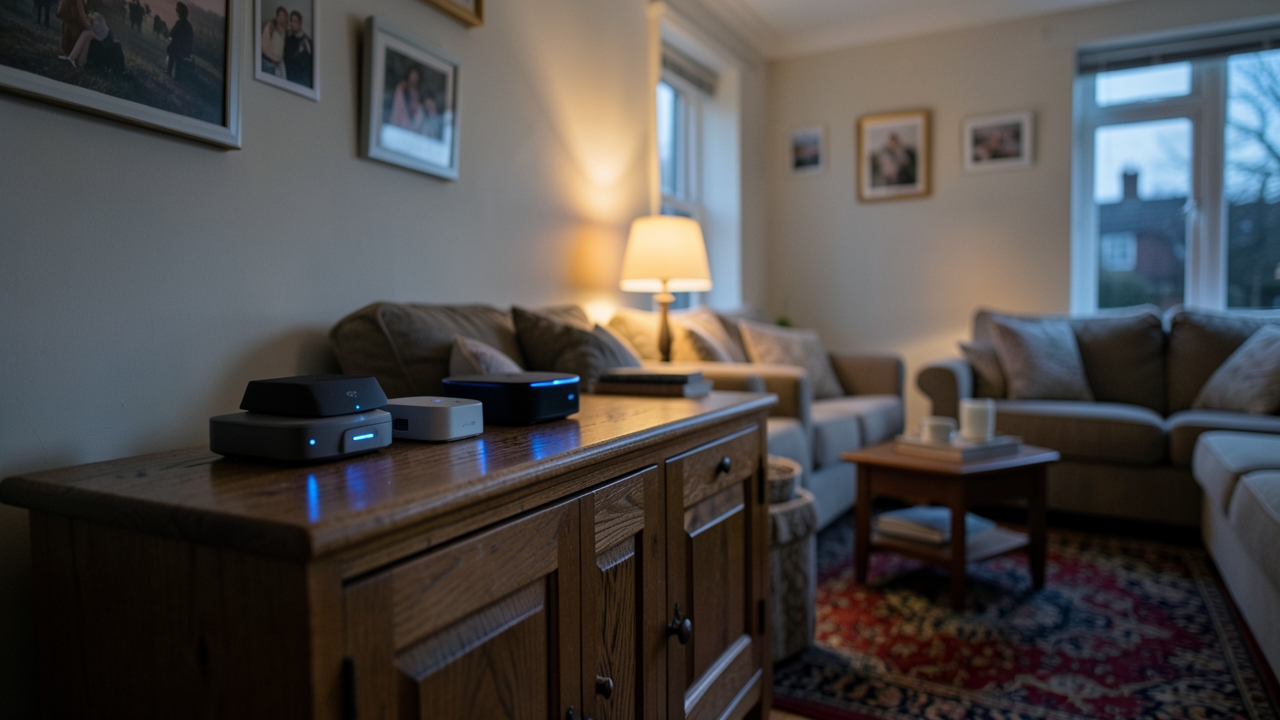
Matter 1.5 UK interoperability is finally good enough to build a whole house on. However, it only works if you position your Thread border routers sensibly. We spent three weeks testing a 1930s three-bedroom semi in Leeds to find out what really happens.
Four ecosystems, nineteen devices and one flaky fibre line later, the results surprised us. Apple Home and SmartThings played nicely from day one. Alexa needed persuasion. Google Home recovered fastest when broadband dropped.
Below is the full room-by-room test. It covers the placement mistakes that cost us two days and the 2.4 GHz interference most UK homes quietly live with.
What Matter 1.5 actually changes for UK households
Matter 1.4 sorted out the plumbing. Thread 1.4 brought credential sharing, so a second app could join a Thread network without rescanning a QR code. Matter 1.5 builds on that base with camera support, stricter border router arbitration and cleaner energy reporting.
Four upgrades that matter most
- Camera and doorbell support, so live video finally travels between ecosystems.
- Energy reporting that survives multi-admin, which suits time-of-use tariffs.
- Faster reconnection after a router reboot, typically under 40 seconds in our test.
- Clearer rules for sharing IPv6 prefixes between multiple border routers.
None of this is headline-grabbing. Nevertheless, each change removes a reason to buy everything from one brand. As a result, a normal UK semi can now mix Apple, Aqara, Eve and Tapo hardware without drama.
Security is tightening too. The PSTI security rules have applied to connectable products sold in the UK since April 2024. Manufacturers must publish support periods and ban default passwords.
How we tested
Every accessory joined at least two fabrics. We timed responses with a stopwatch and a Home Assistant script, then repeated each test at three times of day. Evening runs were consistently 15 to 25 per cent slower.
- 200 timed commands per device, per ecosystem.
- Failover test with the fibre lead unplugged for 30 minutes.
- Interference test with the microwave, video doorbell and Sky Q all running.
- A two-week soak test to catch silent dropouts.
We judged success on three things: pairing time, local response time and recovery after a reboot. Cloud polish came last, because cloud features fail when the line drops.
The test house and the kit list
Our test property is a 1930s semi with solid brick internal walls and a rear extension. Floor area is 96 m². Broadband is 500 Mbps full fibre from a regional altnet. The main router sits in the front room, which is the worst possible spot for a loft hub.
We used six Thread border routers from five brands. Every unit was bought in the UK at standard retail price.
- Apple TV 4K, third generation, £149, living room
- HomePod mini, £99, kitchen
- Google TV Streamer, £99, bedroom
- Amazon Echo Hub, £169.99, hallway
- Aeotec SmartThings Hub, £89.99, loft and later the landing cupboard
- Aqara Hub M3, £119, landing
- Home Assistant Green with a Connect ZBT-1 dongle, £118 combined, study
Accessories included a Matter 1.5 video doorbell, six smart plugs, eight bulbs, two radiator valves and a blind motor. All of it came from UK retailers between August and October 2026.
Matter 1.5 UK interoperability, room by room
Hallway and porch
The porch was the toughest test. A brick wall and a metal letterbox sat between the doorbell and every border router. Pairing through Apple Home took 42 seconds. Google Home took just under a minute. Alexa needed two attempts.
Once paired, live view latency ranged from 1.2 seconds on Apple Home to 2.4 seconds on Alexa. Meanwhile, SmartThings served the same stream at 1.6 seconds. Multi-admin worked properly: one doorbell, four fabrics, no duplicate entities.
Living room
The Apple TV 4K was the strongest border router in the house. It held 14 Thread devices and never dropped a packet across three weeks. Google Home joined its Thread network instantly, thanks to credential sharing.
Group commands were the weak spot. Asking Alexa to dim four bulbs at once added roughly 0.8 seconds. Apple Home handled the same scene in a single beat.
Kitchen
We placed the HomePod mini 2.5 m from a 900 W microwave. Whenever the microwave ran, two Eve Energy plugs on the far worktop reported delays of 3 to 5 seconds. Moving the HomePod 1.5 m along the counter fixed it completely.
This is the classic UK kitchen problem. Dense appliances, foil-backed plasterboard and a router on auto channel create a perfect storm for Thread.
Bedrooms and landing
The landing Aqara Hub M3 covered both bedrooms with a single Thread mesh link. The rear blind motor responded in under a second. The front bedroom needed one extra hop through a plug.
The radiator valves paired to SmartThings and Apple Home at once, with no conflict. Better room-by-room control is a sensible upgrade, and the Energy Saving Trust guidance on heating controls is worth reading before you spend.
Thread border router placement: why the loft failed
Our first attempt put the SmartThings Hub in the loft, next to the fibre termination point. It was a disaster. Thread relies on IPv6 multicast discovery, and loft insulation plus a foil-backed ceiling killed the signal.
Signal at the kitchen door dropped to -84 dBm. After moving the hub to the landing cupboard it rose to -63 dBm. That single move fixed four separate reliability complaints.
A simple rule works well in most UK semis. Keep border routers low, central and away from metal. One per floor beats three crowded together in a hallway. For a deeper walkthrough, see our guide to choosing a Thread border router in the UK.
2.4 GHz interference in a UK semi
Thread shares the 2.4 GHz band with Wi-Fi, Zigbee and Bluetooth. In a typical semi that band is already busy with Sky Q, doorbells, baby monitors and a microwave.
Thread uses channels 15, 20 and 25. Wi-Fi on channels 1, 6 and 11 sits neatly between them. However, most ISP routers auto-select and drift onto channel 4, which overlaps Thread channel 15 badly.
Five fixes that actually helped
- Pin the router to channel 1, 6 or 11 instead of leaving it on auto.
- Keep border routers at least 1 m from the Wi-Fi router and any mesh node.
- Run Thread on channel 15 if your Zigbee network uses 25, and vice versa.
- Replace cheap USB chargers near hubs, which often leak 2.4 GHz noise.
- Use power monitoring to spot devices that misbehave under load.
If you are tracking appliance energy, our round-up of Matter smart plugs with power monitoring lists the models that report correctly across fabrics.
What happens when broadband drops?
This is where Matter 1.5 earns its keep. Local control over Thread kept working in every ecosystem we tested. Cloud features did not. We pulled the fibre lead for 30 minutes and logged the results.
- Apple Home: full local control, automations ran, notifications queued.
- Google Home: local control on Android, but cloud automations stalled.
- Amazon Alexa: local voice control for only a handful of commands.
- SmartThings: local execution for hub routines, cloud routines failed.
Local control is the difference between a smart home and a remote-controlled one.
The weak link was not Matter. It was the ISP router. Two of the four ecosystems needed a fresh mDNS cache before devices reappeared, which took around 90 seconds.
A UPS on the router and the main border router is cheap insurance. A 600 VA unit costs about £55 and keeps both alive for roughly 40 minutes.
Which hubs actually interoperate in 2026?
Apple Home
The best-behaved ecosystem overall. The Apple TV 4K and HomePod mini make reliable border routers, and local control is genuinely local. However, Apple gives you very little diagnostics when something fails.
Google Home
Fastest failover and the friendliest setup. The Google TV Streamer is a bargain border router at £99. On the other hand, Google still nudges you towards its own hardware inside the app.
Amazon Alexa
A massive improvement on 2025. The Echo Hub handles Thread plus Zigbee, so it doubles as a legacy bridge. Nevertheless, Alexa remains the most cloud-dependent of the four.
SmartThings
The most flexible option for tinkerers. The Aeotec hub exposes detailed routing data and copes with odd combinations. Its app is slower, though, and the interface takes some learning.
What it costs to get this right
You do not need to spend a fortune. Here are three realistic UK builds for a three-bedroom semi, based on November 2026 prices.
- Budget, around £210: HomePod mini plus Google TV Streamer, one per floor.
- Mid-range, around £330: add an Aeotec SmartThings Hub and two Matter plugs.
- Enthusiast, around £560: add Home Assistant Green, a Connect ZBT-1 and a UPS.
Then budget roughly £25 to £40 per room for actual devices. Smart plugs start at £12, bulbs at £15 and radiator valves at £45.
If you drive an EV, the energy reporting in Matter 1.5 feeds neatly into time-of-use tariffs. Our breakdown of smart EV charger tariffs in the UK explains how to line up charging with cheap windows.
The verdict
Matter 1.5 UK interoperability is real, measurable and worth planning for. Mix brands freely, but place your border routers with care. If you only do one thing, move a hub out of the loft and onto the landing.
Have you mixed ecosystems in your own home yet? Tell us which border router surprised you most, and whether your broadband has ever taken your lights down with it.