
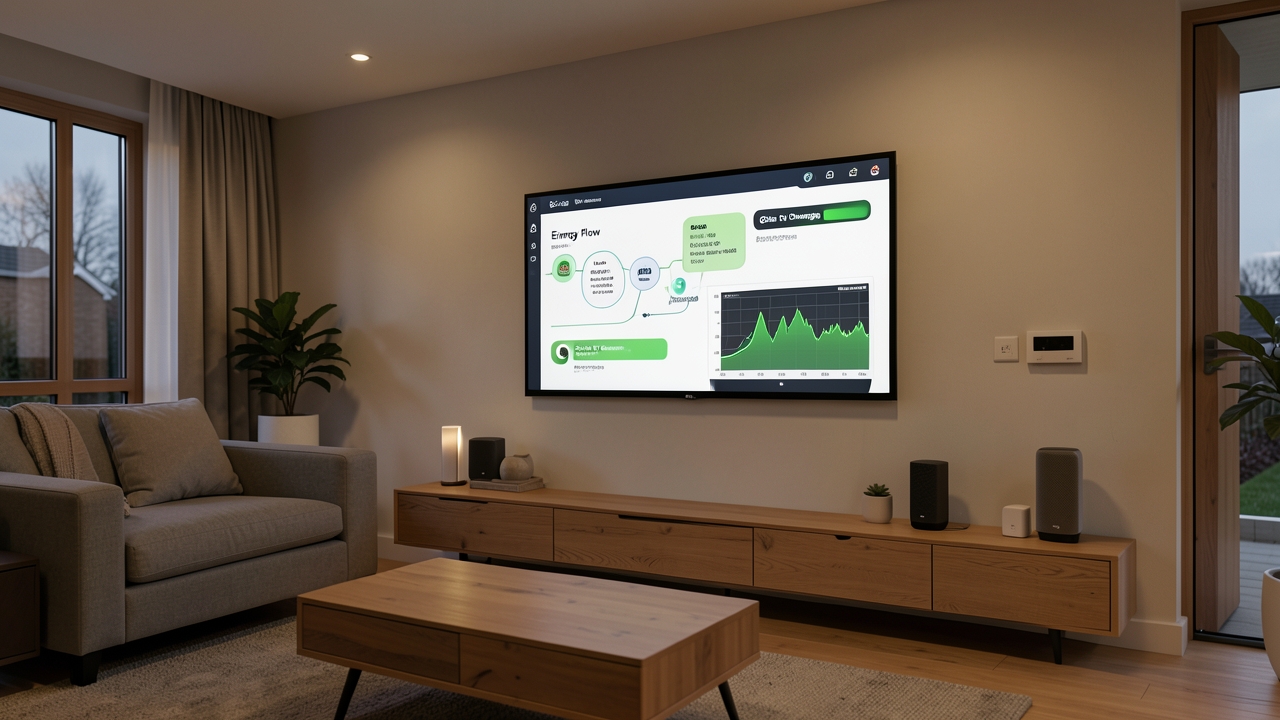
Imagine your electric vehicle charging itself only when electricity is cheapest or when your solar panels are generating surplus power. That is exactly what Home Assistant EV automation delivers. By combining open-source smart home software with the Matter protocol, UK homeowners can now build a truly intelligent charging system. In this guide, we walk you through every step of the process, from hardware selection to fully automated schedules.
Furthermore, this approach works with off-peak tariffs, real-time solar generation, and grid carbon intensity data. The result is lower bills, reduced emissions, and complete control over your EV charging. Let us get started.
Why Automate EV Charging with Home Assistant in the UK?
The UK electricity market offers significant price differences between peak and off-peak hours. Peak rates currently hover around 25–34p per kWh, while off-peak tariffs can drop to as low as 4–10p per kWh. Consequently, charging a typical EV with a 60 kWh battery at peak rates costs roughly £18–£20. Charging off-peak costs only £5–£7. That is a saving of over £13 per full charge.
Meanwhile, the UK government’s Smart Metering programme has made real-time consumption data widely available. Over 33 million smart and advanced meters now sit in UK homes. This data lets Home Assistant make informed decisions about when to charge.
In addition, homeowners with solar panels can maximise self-consumption. The Smart Export Guarantee (SEG) currently pays between 3p and 15p per kWh for exported electricity. However, using that solar energy to charge your EV is almost always more valuable. You avoid buying grid electricity at 25p+ per kWh instead.
What Is the Matter Protocol and Why Does It Matter for EV Charging?
Matter is a universal smart home standard developed by the Connectivity Standards Alliance. It launched in late 2022 and has since gained widespread adoption. As of 2026, Matter support is built into most major smart home platforms, including Home Assistant. Therefore, it provides a common language for devices from different manufacturers.
Key Benefits of Matter for EV Charger Integration
- Interoperability: Matter-compatible chargers work seamlessly with Home Assistant regardless of brand.
- Local Control: Commands run over your local network, not through cloud servers. This means faster response times and greater reliability.
- Security: Matter uses end-to-end encryption and device attestation for every connection.
- Future-Proofing: New Matter-compatible devices will integrate with your existing setup without extra configuration.
For UK homeowners, this means you can pair chargers from brands like Ohme, Wallbox, andEasee with Home Assistant without wrestling with proprietary APIs. Furthermore, firmware updates to the Matter standard improve device communication over time.
Home Assistant EV Automation: What You Will Need
Before diving into setup, gather the required hardware and software. The good news is that the entry cost has dropped significantly since 2024. Here is your shopping list.
Hardware Requirements
- Home Assistant Hub: A Home Assistant Yellow or Green unit starts at approximately £120–£150. Alternatively, run Home Assistant on a Raspberry Pi 5 (around £70–£90).
- Matter-Compatible EV Charger: Models from Ohme, Wallbox Pulsar Plus (3rd gen), and Easee Charge support Matter as of 2026. Prices range from £450 to £900 including installation.
- Smart Meter (SMETS2): Most UK households already have one. If not, contact your energy supplier for a free installation.
- Solar Inverter Integration (optional): If you have solar panels, a compatible inverter from brands like Solis, Growatt, or Fronius connects via Modbus TCP or a Matter bridge.
Software and Accounts
- Home Assistant OS (free, open-source)
- Matter integration add-on (built into Home Assistant 2026.x)
- A tariff with time-of-use pricing from providers like Octopus Energy, Intelligent Go, or EDF Next Drive
- The Home Assistant Companion App (iOS or Android)
Step-by-Step: Setting Up Home Assistant EV Automation
This section walks you through the entire configuration process. Follow each step in order for the smoothest experience.
Step 1: Install and Configure Home Assistant
First, install Home Assistant OS on your chosen hardware. Download the image from the official Home Assistant website and flash it to a microSD card or SSD. Boot the device and navigate to http://homeassistant.local:8123 in your browser. Follow the onboarding wizard to create your account and set your home location. Accurate location data matters because Home Assistant uses it for sunrise and sunset calculations relevant to solar charging.
Step 2: Pair Your Matter-Compatible EV Charger
Open Home Assistant and navigate to Settings > Devices & Services > Add Integration. Search for Matter and select the Matter integration. Home Assistant will begin scanning your local network for Matter devices. On your EV charger, press the Matter pairing button (consult your charger manual for its exact location). The device should appear within 30 seconds.
Once paired, Home Assistant creates entities for charge current, charging status, cable lock state, and energy delivered. Furthermore, you can set minimum and maximum charge rates to protect your home’s electrical supply. Most UK homes with a 100A supply can safely handle a 7kW–22kW charger alongside household loads.
Step 3: Connect Your Energy Tariff and Smart Meter
Home Assistant integrates with Octopus Energy, EDF, British Gas, and other major UK suppliers through community-built integrations. Install the relevant HACS (Home Assistant Community Store) integration for your tariff provider. This gives Home Assistant access to your real-time and forecasted electricity rates.
For smart meter data, install the Smart Meter integration via HACS. This connects to your meter’s In-Home Display (IHD) data channel. As a result, Home Assistant receives live consumption data in watts and kilowatt-hours. The Energy Saving Trust recommends monitoring consumption regularly to identify savings opportunities.
Step 4: Integrate Solar Generation Data (If Applicable)
If you have rooftop solar panels, Home Assistant can monitor real-time generation. Most modern inverters expose data via Modbus TCP or a REST API. Add the appropriate integration from HACS and configure your inverter’s IP address. Home Assistant will then display your solar generation as a sensor entity.
For those with balcony solar panels or smaller micro-inverter systems, Matter-compatible energy monitors like Shelly EM (with Matter firmware) provide a straightforward alternative. These devices clamp onto your distribution board and measure export directly.
Step 5: Create Your Automation Rules
This is where the magic happens. Navigate to Settings > Automations & Scenes and create new automations. Here are the three essential automations for Home Assistant EV automation:
Automation 1: Off-Peak Charging Schedule
Create an automation that activates the charger only during off-peak hours. For example, if you are on Octopus Energy Agile, the automation checks the sensor.octopus_agile_electricity_rate entity. When the rate drops below 10p per kWh, the automation sets the charger to its maximum rate. When rates rise above 15p per kWh, it pauses charging.
This dynamic approach, often called “spot price tracking,” typically saves 40–60% compared to flat-rate tariffs. However, it requires a tariff with a public API, which Octopus Energy provides freely.
Automation 2: Solar-First Charging
Set up an automation that monitors your solar export sensor. When export exceeds 1,500W for more than 10 minutes, the automation begins EV charging. When export drops below 500W, it reduces the charge rate or pauses entirely. This ensures your EV absorbs surplus solar energy rather than exporting it at low SEG rates.
Automation 3: Carbon-Intelligent Charging
For environmentally conscious drivers, Home Assistant can pull carbon intensity data from the National Grid ESO via the Carbon Intensity API. The automation schedules charging during periods when the grid runs predominantly on wind or nuclear power. Carbon intensity typically drops overnight when wind generation peaks and demand falls. This automation charges your car using the greenest electricity available.
Understanding the Costs and Savings
Let us examine the real financial impact of Home Assistant EV automation for a typical UK household.
Setup Costs
For a household starting from scratch, expect the following investment:
- Home Assistant Green hub: £129
- Matter-compatible EV charger (e.g., Ohme ePod): £649 installed
- HACS add-ons and integrations: Free
- Total initial investment: approximately £778
Many UK homeowners already own a smart EV charger. If your existing charger supports Matter or has a local API, you may only need the Home Assistant hub at £129.
Annual Savings
Assuming a typical UK EV commute of 8,000 miles per year and an efficiency of 3.5 miles per kWh, you would use approximately 2,286 kWh annually. On a flat tariff at 28p per kWh, that costs roughly £640. With off-peak automation charging at an average of 8p per kWh, the same mileage costs just £183. That is an annual saving of approximately £457. Therefore, the system pays for itself within two years.
Adding solar integration pushes savings even higher. If your solar panels generate 2,000 kWh per year and 60% of that goes directly into your EV, you avoid another £336 in grid electricity costs. In total, annual savings can exceed £790 for a household with both solar panels and off-peak automation.
UK Regulations and Safety Considerations
When installing or modifying EV charger setups, certain UK regulations apply. The Electric Vehicles (Smart Charge Points) Regulations 2021 require all new chargers to have smart functionality and to default to off-peak charging. Home Assistant automation fully complies with these regulations because it enhances, rather than disables, the charger’s smart features.
However, you must ensure that any electrical work is carried out by a qualified installer registered with a competent person scheme such as NICEIC or NAPIT. The charger installation must comply with BS 7671 (IET Wiring Regulations) and include appropriate RCD protection. Furthermore, notify your Distribution Network Operator (DNO) if your combined solar export and charger load exceeds 3.68kW single-phase.
Troubleshooting Common Issues
Even well-planned setups encounter hiccups. Here are the most frequent issues and their solutions.
Matter Device Not Appearing
Ensure your Home Assistant hub and the EV charger are on the same network subnet. Matter uses Thread or Wi-Fi for device communication. If your router isolates IoT devices onto a separate VLAN, disable that isolation temporarily. Additionally, verify that multicast traffic is permitted on your network, as Matter discovery relies on mDNS.
Automation Not Triggering
Check that your tariff integration is pulling live data. Navigate to Developer Tools > States and search for your electricity rate sensor. If it shows as unavailable, re-authenticate the integration. Also, verify that your automation conditions use correct entity IDs and numeric thresholds. A common mistake is using the wrong unit — pence per kWh versus pence per kWh including VAT.
Solar Charging Feels Unresponsive
Solar generation fluctuates rapidly on cloudy UK days. If your automation reacts too quickly, it creates a frustrating on-off cycle. Instead, add a “for” duration to your trigger. For example, require export to exceed 1,500W for at least 10 minutes before starting a charge session. This smooths out short-term variability and protects your charger’s contactor from excessive switching.
Advanced Tips for Power Users
Once your basic automations run smoothly, consider these advanced techniques to squeeze maximum value from your Home Assistant EV automation setup.
- Load Balancing: Use Home Assistant to monitor your whole-house consumption and dynamically adjust the charger rate. This prevents tripping your main fuse while running the cooker, washing machine, and EV charger simultaneously.
- Seasonal Scheduling: Create separate automations for summer and winter. Solar generation peaks earlier in summer, so shift your solar charging window accordingly.
- Departure-Based Charging: Integrate your calendar or a time input helper. Home Assistant calculates the latest possible start time to reach your desired state of charge by your departure.
- Multi-Tariff Optimisation: If your tariff has a “shoulder” rate between peak and off-peak, create tiered automations that charge at maximum speed during the cheapest periods and at reduced speed during mid-rate windows.
Is Home Assistant EV Automation Worth It?
For UK homeowners with an EV, a smart meter, and either an off-peak tariff or solar panels, the answer is an emphatic yes. The Matter protocol has removed the compatibility barriers that once made DIY smart charging complicated. Home Assistant provides the automation brain, while your hardware does the heavy lifting.
The financial case is strong: annual savings of £450–£800 are realistic for many households. The environmental case is equally compelling. Charging intelligently reduces reliance on carbon-intensive peak electricity. Furthermore, you gain full transparency over your energy flows through Home Assistant’s beautiful dashboards.
As the UK moves towards its 2035 ban on new petrol and diesel cars, smart charging infrastructure will only grow in importance. Getting your Home Assistant EV automation setup right today positions you ahead of the curve.
Have you set up Home Assistant EV automation in your home? Are you using Matter-compatible chargers or exploring the protocol for the first time? Share your experience and questions in the comments below — we would love to hear what works for you.