
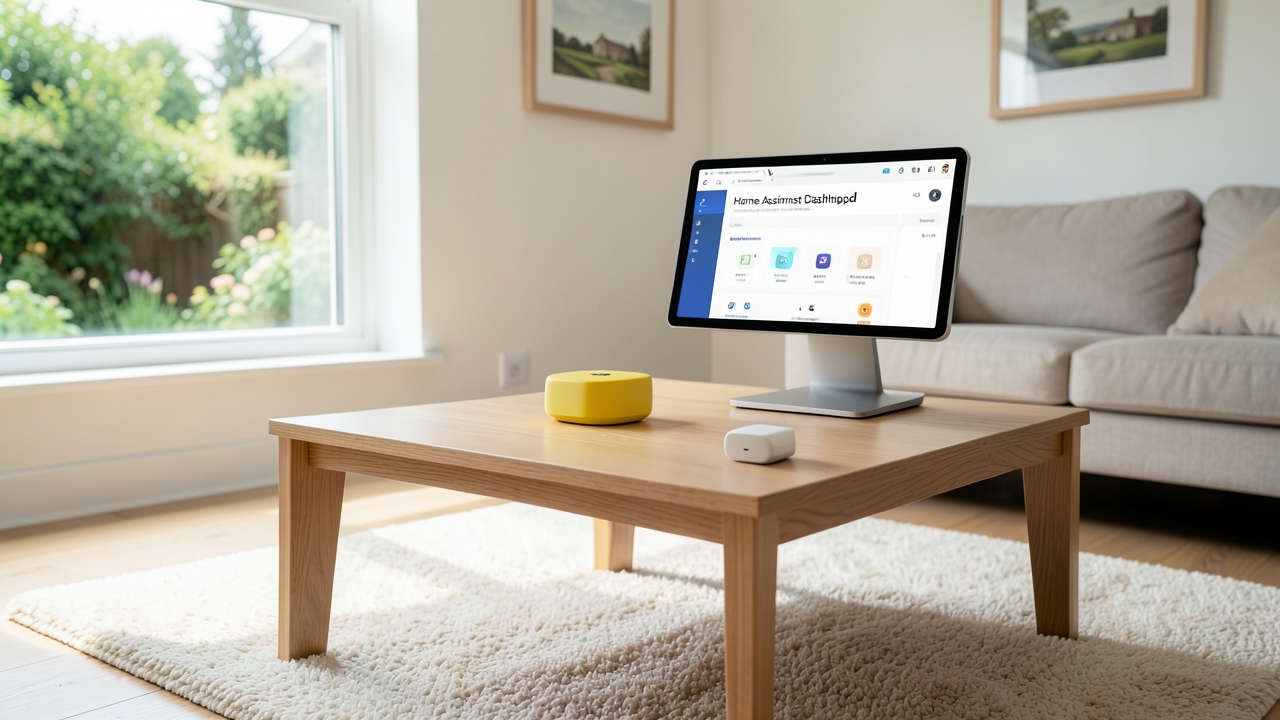
The Matter protocol is revolutionising smart home interoperability, and integrating it with Home Assistant offers UK homeowners unparalleled local control in 2026. This universal standard eliminates brand silos, allowing devices from different manufacturers to communicate seamlessly. For UK users, this means greater flexibility, enhanced privacy through local processing, and compliance with emerging regulations. Whether you’re starting a new setup or expanding an existing one, this guide provides a clear, step-by-step pathway to successfully add Matter devices to your Home Assistant hub.
Why Matter and Home Assistant Are a Perfect UK Match
Home Assistant champions local control, keeping your smart home data within your home network. Matter complements this philosophy perfectly. Unlike cloud-dependent ecosystems, Matter devices communicate locally over your Wi-Fi or Thread network. Furthermore, the protocol is backed by major players like Apple, Google, and Amazon, ensuring widespread device availability in the UK market. For instance, products from IKEA, Nanoleaf, and Yale are increasingly Matter-certified.
In addition, the UK government’s focus on data protection under the UK GDPR makes local-first solutions particularly appealing. By keeping your smart home data on-premises, you maintain greater control and reduce reliance on third-party cloud servers. Consequently, pairing Matter with Home Assistant creates a robust, future-proof foundation for your smart home that is both private and highly capable.
Step-by-Step Guide to Adding Matter Devices in 2026
The process is straightforward, but a solid preparation is key. Ensure your Home Assistant instance is running a recent version of the operating system and Core software. A dedicated smart home hub like the Home Assistant Yellow provides an excellent, stable base for your Matter controller.
1. Acquire a Matter Controller
Home Assistant functions as a Matter controller via an integration. However, you may also use other certified controllers like a Google Nest Hub (2nd Gen) or Apple HomePod as a bridge. For optimal performance and direct control within Home Assistant, the built-in integration is recommended. This requires a Thread border router if you are using Thread-based devices. Many modern Wi-Fi routers and smart home hubs in the UK now include this functionality.
2. Install and Configure the Matter Integration
Navigate to Settings > Devices & Services > Add Integration in your Home Assistant dashboard. Search for “Matter (BETA)” and follow the on-screen prompts. You will need to create a “Matter fabric.” This is a secure network for your devices. The setup wizard will guide you through this process, which typically takes just a few minutes.
3. Commission Your First Matter Device
This is where the magic happens. Power on your new Matter device. Often, you simply scan a QR code or enter a numeric code found on the device or its packaging. In Home Assistant, go to the Matter integration page and select “Add Device.” The hub will discover the new device and guide you through the final commissioning steps. Once complete, the device appears instantly in your Home Assistant device list.
4. Integrate with Existing Automations
With your Matter device added, you can immediately use it in automations and dashboards. For example, a Matter smart plug controlling a lamp can be scripted to turn on at sunset. Because Matter devices support standard clusters, they often expose rich functionality. A Matter-compatible bridge can even bring older Zigbee or Z-Wave devices into the Matter ecosystem within Home Assistant, protecting your previous investments.
UK-Specific Considerations and Regulations
When setting up your system, remember the UK’s unique electrical standards. Always use devices with the correct UK plug (Type G) and the CE/UKCA marking. The UK government provides guidance on electrical safety for tenants and homeowners. While Matter devices are low-voltage, using certified accessories is crucial for safety and insurance validity.
Furthermore, consider your home network’s security. A strong, unique Wi-Fi password is essential. Matter uses advanced encryption by default, but securing your router’s admin interface is a critical additional step. For comprehensive home network advice, the Energy Saving Trust sometimes offers broader digital home efficiency tips.
Troubleshooting Common Issues
- Device Not Found: Ensure the device is in pairing mode and is within range of your Matter controller or Thread border router.
- Commissioning Fails: Restart both the device and your Home Assistant hub. Check that no other controller is trying to claim the device simultaneously.
- Limited Device Options: Not all Matter devices expose every feature to Home Assistant initially. Community development often adds deeper support over time.
Although the Matter standard is still evolving, its adoption in the UK is accelerating rapidly. By following these steps, you can build a powerful, private, and interoperable smart home. The blend of the universal Matter protocol with the immense flexibility of Home Assistant provides a best-in-class experience for UK households in 2026.
Are you currently using Home Assistant or planning to adopt it with Matter? We’d love to hear about your project plans or any challenges you’ve encountered in the comments below.