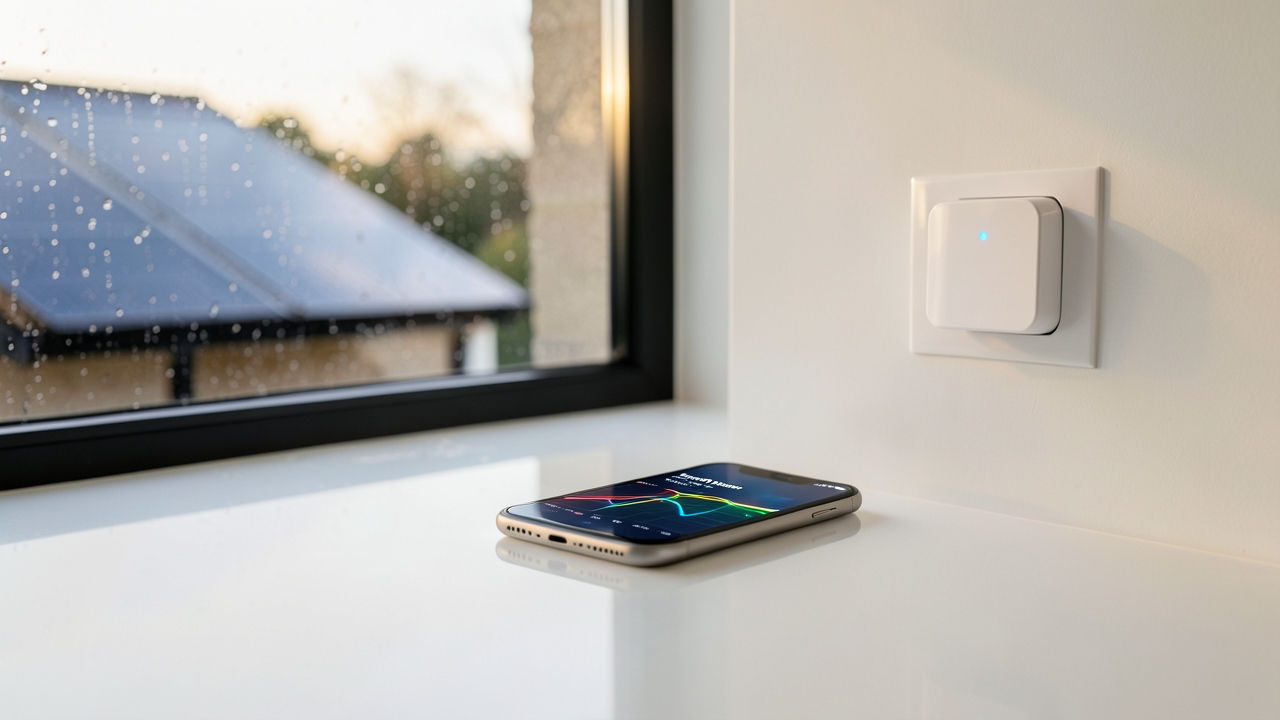
Choosing the right smart plugs for solar UK households is one of the cheapest ways to squeeze more value from your panels. For roughly £15 to £40 per plug, you can watch exactly when your solar generates power and when your appliances waste it. Consequently, you stop exporting cheap electricity and start using it yourself.
This guide covers how monitoring works, which plugs suit balcony and rooftop systems, and how to set everything up under the Smart Export Guarantee (SEG). In addition, we include current 2026 prices and practical tips for UK homes.
Why Smart Plugs for Solar UK Homes Matter in 2026
Most UK homes still export surplus solar power for a few pence per kWh. Meanwhile, they buy electricity back at 24p to 27p per kWh. Therefore, every kWh you self-consume saves far more than you earn from exporting it.
Smart plugs help you spot the gap. They measure the power draw of individual appliances, so you learn which devices can shift into daylight hours.
- Washing machine: roughly 1.0 to 1.5 kWh per cycle
- Tumble dryer: around 2.5 to 3.5 kWh per cycle
- Dishwasher: about 1.0 to 1.8 kWh per cycle
- Immersion heater: up to 3 kW while running
If you run those loads between 10am and 4pm, you could self-consume an extra 3 to 6 kWh daily in summer. At 26p per kWh, that is £0.78 to £1.56 saved each day.
Understanding the Smart Export Guarantee
The SEG requires licensed electricity suppliers with over 150,000 customers to pay small-scale generators for exported electricity. Ofgem oversees the scheme, and tariffs change often. As a result, export rates vary widely between suppliers.
You can read the official rules on the GOV.UK Smart Export Guarantee collection. In addition, Ofgem publishes guidance on licensing and payments.
Smart plugs do not replace your export meter. However, they show how much solar you use directly, which helps you decide whether an export tariff or battery is worth it.
How Smart Plugs Monitor Solar Generation and Consumption
A smart plug sits between the socket and the appliance. It measures voltage, current and power, then reports data to an app over Wi-Fi or Zigbee.
Three ways to track self-consumption
- Appliance-level tracking: monitor each device separately and log daily kWh.
- Whole-home CT clamp: some plugs and hubs pair with a current transformer for total load.
- Inverter app comparison: compare your solar app output with plug data to find the surplus window.
For balcony solar systems, plug-level data is usually enough. Rooftop owners often add a CT clamp for the full picture.
If you are still planning your panel setup, our guide to balcony solar panels in the UK explains sizing and plug-in rules.
Best Smart Plug Options for Solar Tracking in 2026
Prices below reflect typical UK retail in autumn 2026. Always check for UKCA marking and 13A fused plugs.
1. TP-Link Tapo P110 and P110M
The Tapo P110 costs around £15 to £20 and offers energy monitoring with 1% accuracy claims. Furthermore, the P110M adds Matter support for smart home hubs. Both handle 13A loads and integrate with Alexa and Google Home.
2. Shelly Plug S Gen3
Shelly devices are popular with solar enthusiasts because they support local control and MQTT. The Plug S Gen3 retails near £28 to £35 and works well with Home Assistant. Consequently, you can automate appliances based on live solar output.
3. Eve Energy with Matter
Eve Energy suits Apple Home users and costs roughly £35 to £40. It stores energy data locally and supports Thread for a stable mesh network.
4. Meross MSS310
At £12 to £18, the Meross MSS310 is a budget pick with solid energy monitoring. However, its app offers fewer automation triggers than Shelly or Tapo.
5. Smart plugs with solar-specific features
Some brands now sell plugs that integrate with inverter APIs. For example, certain models sync with Growatt or SolaX inverters to trigger loads when generation exceeds a set threshold. Expect to pay £40 to £60 for these.
How to Set Up Smart Plugs to Maximise Self-Consumption
Setup takes about 30 minutes per plug. Follow these steps for reliable results.
- Connect the plug to your 2.4 GHz Wi-Fi network, not 5 GHz.
- Update firmware before adding automations.
- Rename each plug clearly, such as “washing machine” or “immersion”.
- Enable energy monitoring and set daily kWh alerts.
- Create schedules that match your solar peak window.
Meanwhile, keep an eye on standby loads. Many appliances draw 1 to 5 W continuously, which adds up over a year.
Automation ideas that work
- Run the dishwasher at 1pm when solar output peaks.
- Charge an e-bike battery between 11am and 3pm.
- Switch off the tumble dryer if generation drops below 500 W.
- Heat water via an immersion plug when export would otherwise occur.
If you own an electric vehicle, our article on EV charger installation in the UK explains how to time charging with solar too.
Safety, Regulations and Practical Limits
Smart plugs are not suitable for every load. Therefore, check the rating before you buy.
- Do not exceed 13A or 3,000 W per plug.
- Avoid using plugs on ovens, showers or EV chargers on a 13A socket.
- Use a fused spur or dedicated circuit for high-draw devices.
- Keep plugs dry and indoors, or use IP-rated outdoor sockets.
The Energy Saving Trust offers free advice on reducing home energy use. Furthermore, it explains how monitoring helps cut bills. See the Energy Saving Trust for guidance.
Costs, Savings and Payback in 2026
A single Tapo P110 costs about £16. If it helps you shift 2 kWh daily into daylight hours, you save roughly £0.52 per day in summer. Consequently, the plug pays for itself in about a month.
Across a year, realistic savings sit between £60 and £150 for a typical home. Of course, results depend on appliance use and solar size.
Self-consumption is the single biggest lever for solar payback in the UK. Monitoring makes it visible and, more importantly, automatic.
Which Option Suits Your Home?
For balcony solar kits under 800 W, a couple of budget plugs plus inverter data is plenty. On the other hand, larger rooftop arrays benefit from Shelly plugs and a hub for full automation.
Before buying, check how your inverter reports data. Some apps export CSV files, which makes cross-checking easy. Others lock data behind subscriptions.
Finally, remember that smart plugs measure, but they do not decide. You still need sensible schedules and a bit of patience to tune them.
Have you tried automating appliances around your solar output yet? Share your setup, favourite plug and biggest saving in the comments below.