Integrating Home Assistant smart meter UK systems can revolutionise how you manage energy in your home. With real-time data from your smart meter, you can automate solar PV and EV charger control for optimal savings. This guide explains how to connect everything via the Data Communications Company (DCC). We’ll cover steps, benefits, and UK-specific considerations.
In 2026, over 30 million UK homes have smart meters, according to GOV.UK. However, many users only access basic features. Home Assistant unlocks advanced automation. For example, it can automatically run your EV charger when energy prices drop. This saves money and reduces carbon emissions.
Understanding Home Assistant and UK Smart Meters
What is Home Assistant?
Home Assistant is an open-source platform for smart home automation. It runs on devices like a Raspberry Pi, costing around £50-£100. Furthermore, it integrates with thousands of devices, including solar inverters and EV chargers. You can create custom dashboards to monitor and control your energy use in real time.
In the UK, Home Assistant supports local control, which enhances privacy. It doesn’t rely on cloud services for basic functions. Therefore, it’s ideal for automating based on live smart meter data. This setup gives you full control over your energy systems.
How Smart Meters Work in the UK
UK smart meters communicate via the Data Communications Company (DCC). The DCC is a secure national network managed by Smart Energy GB. It transmits your energy usage data from your meter to your supplier and authorised third parties. For example, it sends half-hourly data that you can access via APIs.
However, direct access to this data is limited. Home Assistant uses the DCC’s authorised channels to retrieve it. This requires setting up an account with a data access provider. Consequently, you ensure compliance with UK regulations like the Smart Metering Framework.
Integrating Home Assistant with Your UK Smart Meter via DCC
Connecting Home Assistant to your smart meter involves the DCC as the intermediary. This process is secure and legal in the UK. You’ll need a Home Assistant setup, a compatible smart meter, and a data access provider. In addition, some providers charge a small fee, around £1-£2 per month.
The Role of the Data Communications Company
The DCC ensures data privacy and security. It uses encrypted channels to transfer information. For example, when you integrate Home Assistant, it requests data through an authorised API. This API is provided by companies like Hildebrand or Green Energy UK. They act as intermediaries for data access.
Furthermore, the DCC supports real-time data, which updates every few minutes. This is crucial for automation. You can set triggers based on current usage or pricing. For instance, if your home draws over 2kW from the grid, Home Assistant can turn off non-essential devices.
Step-by-Step Connection Guide
Follow these steps to integrate your system. First, install Home Assistant on a device like a Raspberry Pi. Next, register with a data access provider such as Hildebrand, which offers a Glow API for £1 per month. Then, configure the Home Assistant integration by adding your account details.
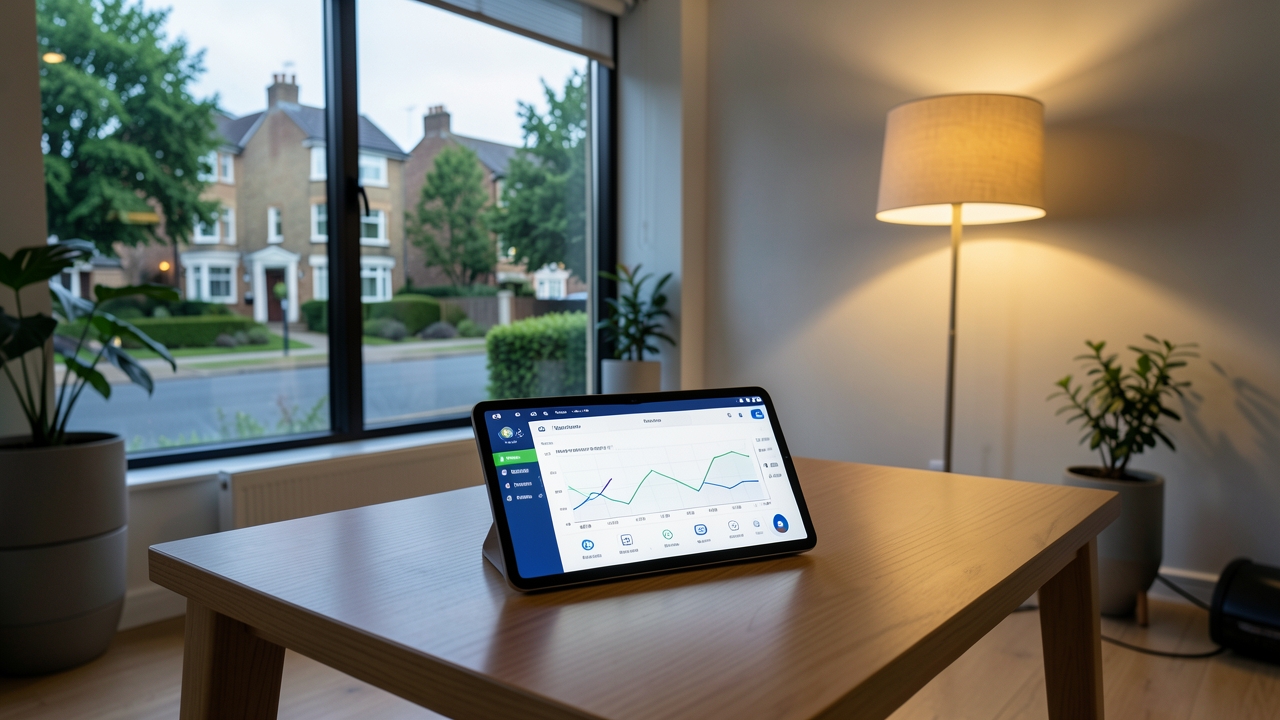
After that, test the connection to ensure data flows correctly. You should see live energy readings on your dashboard. Finally, create automations based on this data. For example, set your EV charger to start when solar PV generation exceeds 1.5kW.
For more details on smart home setups, explore our guide on balcony solar panels. This can help you maximise self-consumption of solar energy.
Real-Time Energy Automation Setup
Once connected, Home Assistant enables powerful automations. You can control devices based on live smart meter data. This includes solar PV systems, EV chargers, and battery storage. Consequently, you optimise energy use and reduce bills.
Connecting Solar PV Systems
For solar PV integration, use Home Assistant with your inverter. Many inverters, like SolarEdge or Solis, have local APIs. Home Assistant can monitor generation in real time. For example, if your solar panels produce 3kW but you only use 1kW, the excess can charge a battery or run appliances.
In the UK, solar PV systems cost between £4,000 and £8,000 for a typical 4kW setup. Furthermore, automations can prioritise self-consumption. This means using solar energy before drawing from the grid. As a result, you reduce reliance on grid electricity, which costs around 25p per kWh in 2026.
Controlling EV Chargers
EV charger integration is a key benefit. Home Assistant can automate charging based on energy prices or solar availability. For instance, if your smart meter shows low demand at night, it can start charging your EV. This uses off-peak tariffs, saving up to £200 per year.
In the UK, smart EV chargers like the Zappi or Ohme cost £800-£1,200 installed. They are OZEV grant-eligible, with up to £350 off. Moreover, Home Assistant can link with these chargers via local protocols. Check our article on EV charger installation for more.
Benefits and Cost Savings
Integrating Home Assistant with your smart meter offers multiple benefits. Firstly, it automates energy management, saving time and effort. Secondly, it reduces bills by optimising usage. For example, automations can cut energy costs by 10-20% annually.
Furthermore, it enhances grid stability by shifting demand. This supports the UK’s net-zero goals. In addition, real-time data helps you understand your habits. You can identify wasteful appliances and replace them with efficient models. According to the Energy Saving Trust, this could save £100 per year.
UK Regulations and Considerations
When setting up, comply with UK regulations. The DCC operates under the Smart Metering Framework. You must have a smart meter from your energy supplier. In addition, data access providers must be DCC-authorised. This ensures your data is handled legally.
Moreover, consider privacy. Home Assistant stores data locally by default. However, if you use cloud backups, ensure they are secure. Also, for solar PV and EV chargers, follow MCS and OZEV standards. This maintains warranty and safety.
Practical Advice and Tips
To get started, invest in a reliable Home Assistant setup. A Raspberry Pi 4 costs around £70. Then, choose a data access provider with good reviews. In addition, join UK forums like the Home Assistant Community for support.
For automation ideas, start simple. For example, create a “peak hours” automation that reduces load during expensive periods. Then, expand to solar and EV control. Finally, monitor performance regularly to fine-tune settings.
For AI-powered tools to assist with home automation, see our review of AI writing tools. They can help document your setup efficiently.
In summary, integrating Home Assistant with your UK smart meter via DCC enables smart, automated energy control. It’s a step towards a sustainable future.
Have you tried integrating Home Assistant with your smart meter? Share your experiences or questions in the comments below. We’d love to hear how you’ve automated your home energy!