
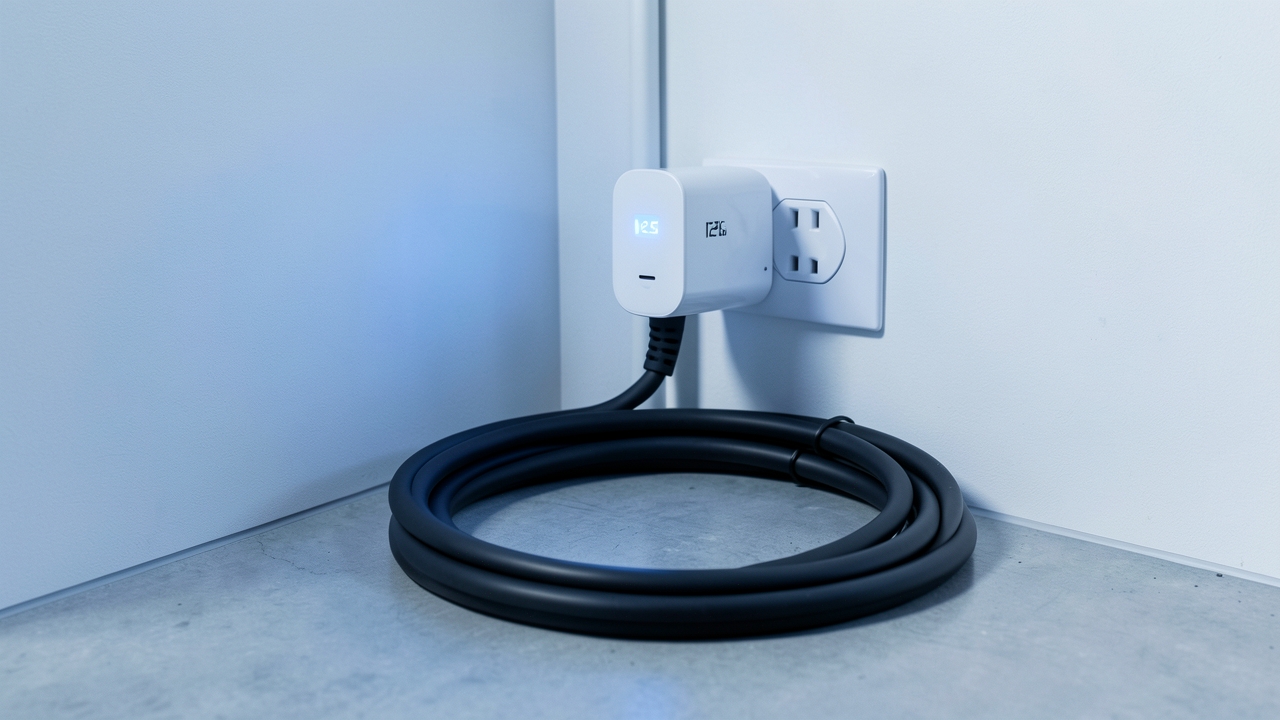
Many UK homeowners invest in a smart EV charger to manage charging costs. But before spending over £800 on a dedicated unit, some wonder: can a simple smart plug EV charger monitoring solution provide accurate energy data? This article investigates the real-world limitations and best practices for using smart plugs with high-draw EV chargers.
Smart plugs are popular for monitoring lamps, kettles, and other small appliances. They offer a low-cost way to track energy use. However, electric vehicle supply equipment (EVSE) presents a unique challenge. We will compare their data with dedicated systems and explore when they are, and aren’t, fit for purpose.
Understanding Smart Plug Limitations for EV Chargers
The primary issue is power capacity. Most standard UK smart plugs are rated for 13A, which translates to a maximum load of around 3.12kW. This is fine for a Level 2 charger set to a low current. However, many modern home EV chargers, especially untethered units, can draw up to 32A (7.2kW or higher).
Furthermore, the UK’s ambitions for electric vehicles mean chargers are becoming more powerful. Plugging a high-draw device into a standard smart plug can cause overheating, inaccurate readings, or even trip your electrics. Safety should always be your first consideration.
The Power and Safety Mismatch
Let’s break down the numbers. A typical smart plug might handle 3,000 watts (3kW). An EV charging at 7kW is drawing over double that. Continuously pushing a smart plug to its absolute maximum is not recommended. For example, the Which? organisation frequently tests smart plugs and often finds deviations in accuracy under sustained high loads.
Consequently, if you must use one, you need a plug specifically rated for higher amperage, like a 16A or 32A industrial model. However, these are bulkier and more expensive, eating into the cost savings you hoped for.
How Accurate Is the Data Really?
Assuming you use a suitable high-amperage smart plug, the next question is accuracy. Most reputable smart plugs claim to measure energy usage within 1-3% error margins. Under ideal lab conditions, this might hold true. In a real UK home, however, factors come into play.
For instance, the calibration of the plug matters. Cheap models may lose accuracy over months of constant high load. Temperature fluctuations in a garage or driveway can also affect components. Therefore, while the total kWh reading over a long period might be close, the real-time power readings could fluctuate more than a dedicated EVSE monitor.
Calculating Cost: The Tariff Factor
Even with a perfectly accurate kWh reading, calculating the true cost requires your energy tariff. Most UK households on a standard variable tariff paid around 24.5p per kWh in early 2026, following Ofgem’s price cap adjustments. However, you may have an EV-specific tariff with cheap overnight rates, often between 8-12p per kWh.
Therefore, a smart plug might correctly tell you used 15 kWh overnight. To find the cost, you must multiply this by your specific off-peak rate. A dedicated smart charger automates this process. It logs charging sessions and applies the correct tariff automatically within its companion app.
Best Practices for Using a Smart Plug for EV Monitoring
If you still wish to proceed, follow these guidelines to get the most reliable data:
- Choose the Right Hardware: Select a plug rated for at least 16A. Look for models from reputable brands that provide detailed energy reporting and have good user reviews for high-load applications.
- Use It for Monitoring, Not Control: Smart plugs offer limited control. Use the plug only to monitor energy consumption. Always use your EV’s built-in onboard charger or a dedicated home EVSE to manage the actual charging process and current.
- Regular Calibration Check: Compare the smart plug’s total with your home’s smart meter data for the same period. Note any significant discrepancies over time.
- Pair with Your Charger’s Data: Use the smart plug as a secondary check. Compare its data with the logs from your EV or a basic timer to spot inconsistencies. For a deeper dive, consider a dedicated energy monitoring plug designed for larger appliances.
Smart Plug vs. Dedicated EVSE Monitoring: The Comparison
The contrast becomes clear when you compare the feature sets. A dedicated smart charger is a connected device designed for one primary task: charging your vehicle efficiently and safely.
Smart Plug Monitoring: Provides raw kWh data. It cannot interact with your vehicle’s battery management system, schedule charging based on grid carbon intensity, or integrate with solar panels to use free energy.
Dedicated Smart Charger (e.g., Myenergi Zappi, Wallbox Pulsar Plus): Offers precise charging control, solar integration, dynamic load balancing to avoid tripping your fuse, and detailed session history. The total cost of ownership, including installation, is higher, but the functionality and accuracy for EV-specific tasks are superior.
For example, a charger like the Zappi (from £649) can measure exactly how much energy from your solar panels is diverted to your car. A smart plug simply cannot do this. It shows total household draw, not the energy’s source.
The Final Verdict on Smart Plug EV Charger Monitoring
So, can a smart plug accurately measure your EV charger’s energy cost? The answer is: partially, and with significant caveats. For a low-power, occasional charge, a correctly rated high-amperage smart plug can provide a ballpark figure for total energy consumed.
However, it falls short on safety margins, real-time accuracy under load, and the sophisticated data integration needed to truly optimise your EV charging in 2026. It cannot manage loads, integrate with renewables, or provide session-based data. For accurate, safe, and intelligent monitoring, a dedicated home EV charger remains the recommended solution for UK drivers.
Have you tried using a smart plug to monitor your EV charging? What did your data show compared to the car’s own estimates? Share your experience in the comments below.
Smart Plug Energy Savings Calculator
Find out how much standby power costs you — and what a smart plug could save.